
Google Book Search a unique place to search and read your favorite books before actually purchasing or to take reference from that book for your documents. Google Book search lets you to download non copy write and public domain books and documents in PDF format. But you can’t download copy write Books from Google Book Search. A several restrictions are enforced for preventing downloading of copy write books, at max you can read some pages from that book. Here is small utility Google Book Downloader 0.1.0 for downloading and saving of books as PDF format from Google Book search.
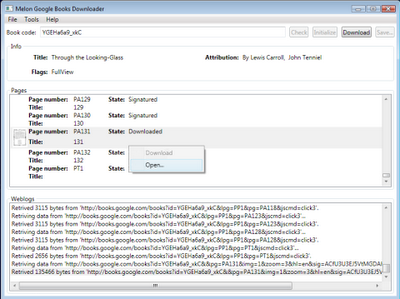
Google Book Downloader 0.1.0 can only download books which are marked as to full view. If you try to download copy write book then it not download all pages of book.
Download Google Book Downloader 0.1.0 Alpha 2.
 Mohan Desai is from mumbai-India, student. love to write on stuffs related to Technology, Internet, computers, tricks, reviews, etc.


Recent Comments